Free printable study planner and revision planner (A4 PDF)
A simple A4 study planner template you can download as a PDF or print. Pick a weekly sheet or an exam countdown, in a GCSE, A level, university or general version. Fill it in by hand. This page doesn't save anything in your browser.
Made by ZenFocus, a free focus timer with calm ambient scenes. Use it for the 25- and 50-minute blocks on the sheet.
Start focusing for free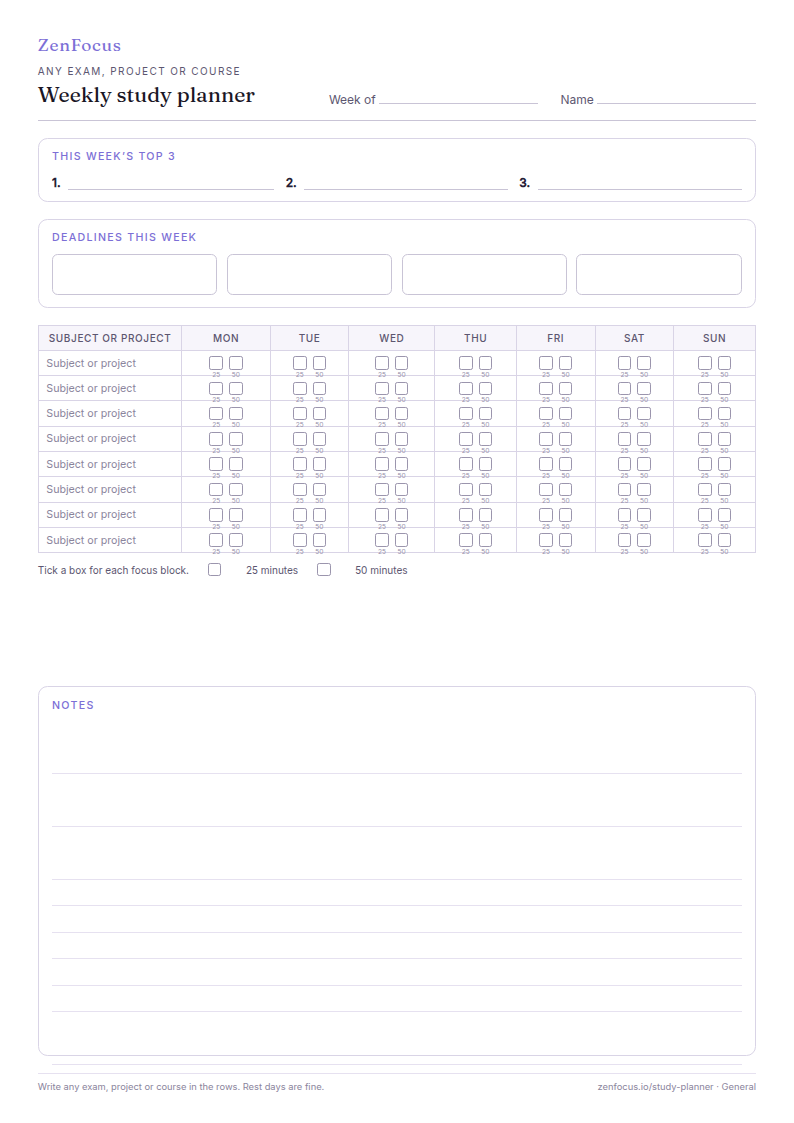
How to use this study planner
Five short steps. Use the countdown sheet for the term, then fill a weekly sheet for the days ahead.
-
Step 1
List your exams or deadlines
Write them on the countdown sheet with their dates. Leave a row blank if you don't need it.
-
Step 2
Mark how ready you feel
Use the low, medium or high column for each subject or module. Start with the ones marked low.
-
Step 3
Count the blocks you can do each day
A block is 25 or 50 minutes of focused work. Put a realistic number on the weekly sheet. Rest days are fine.
-
Step 4
Fill the week
Give the first blocks to the weakest and soonest subjects. Mix subjects rather than repeating one all day.
-
Step 5
Tick blocks off as you go
Use the 25-minute and 50-minute boxes. Unticked boxes can move to another day. There's no streak to keep.
A filled-in example week
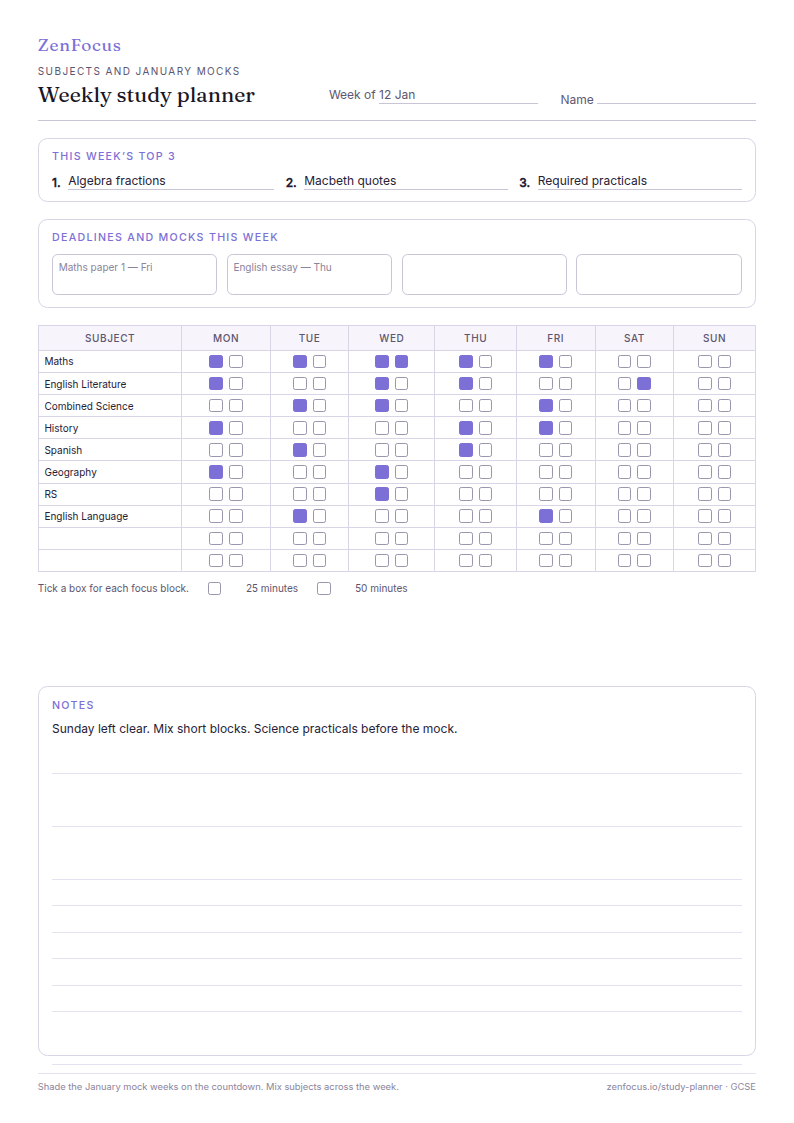
Choose a preset
The four presets share one design. They change the labels and the number of rows so the sheet fits what you're studying for.
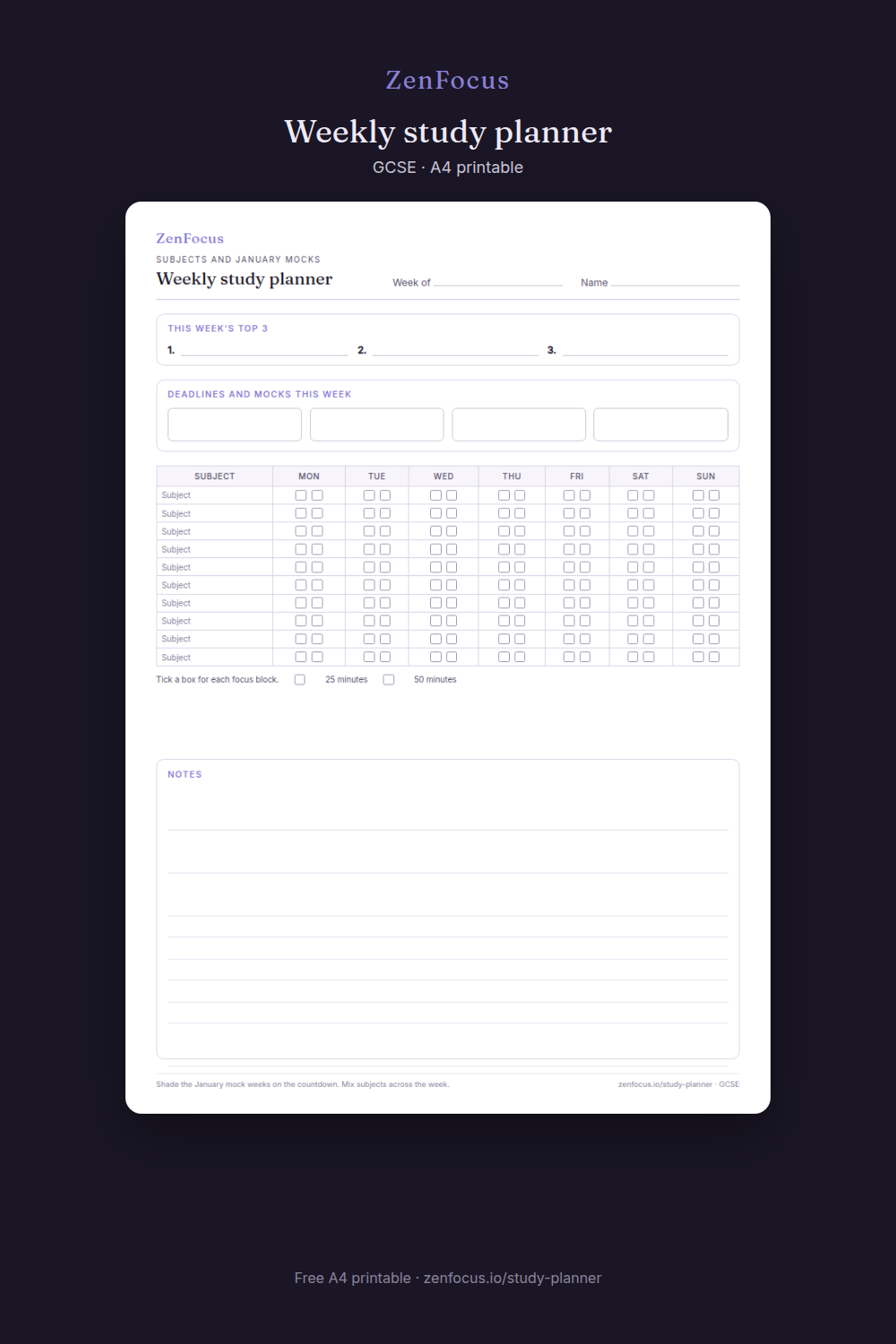
GCSE study planner
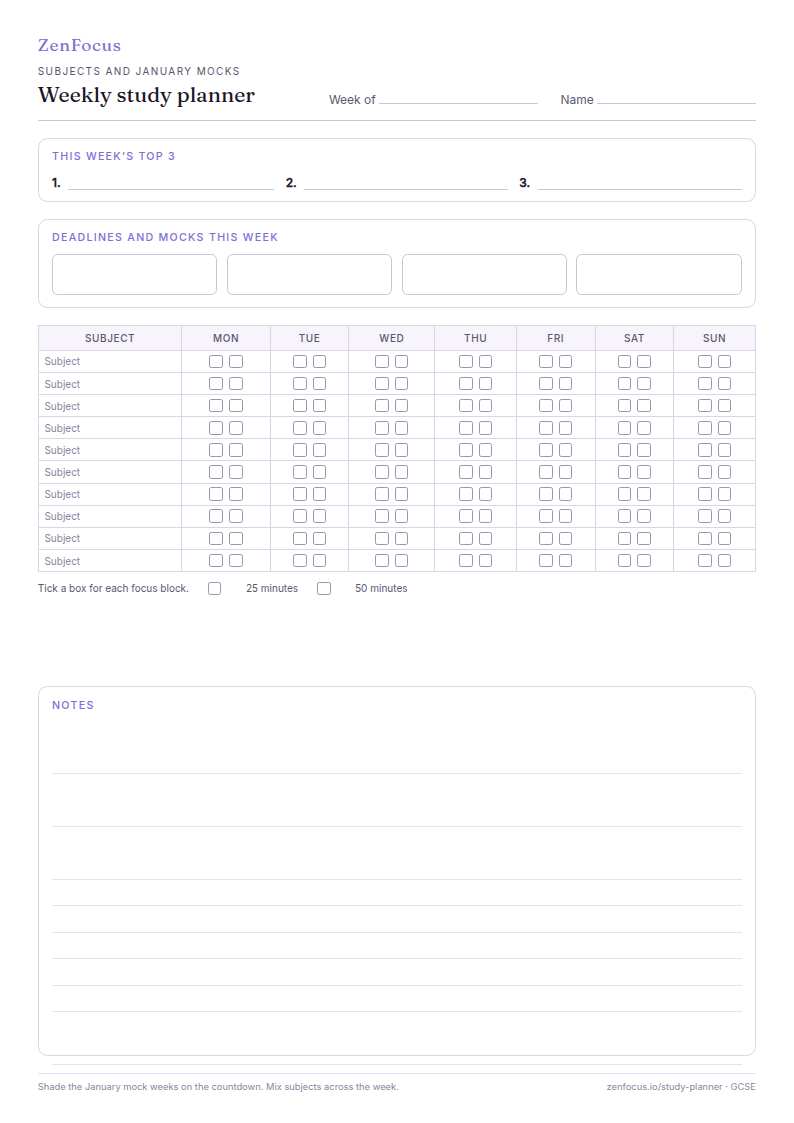
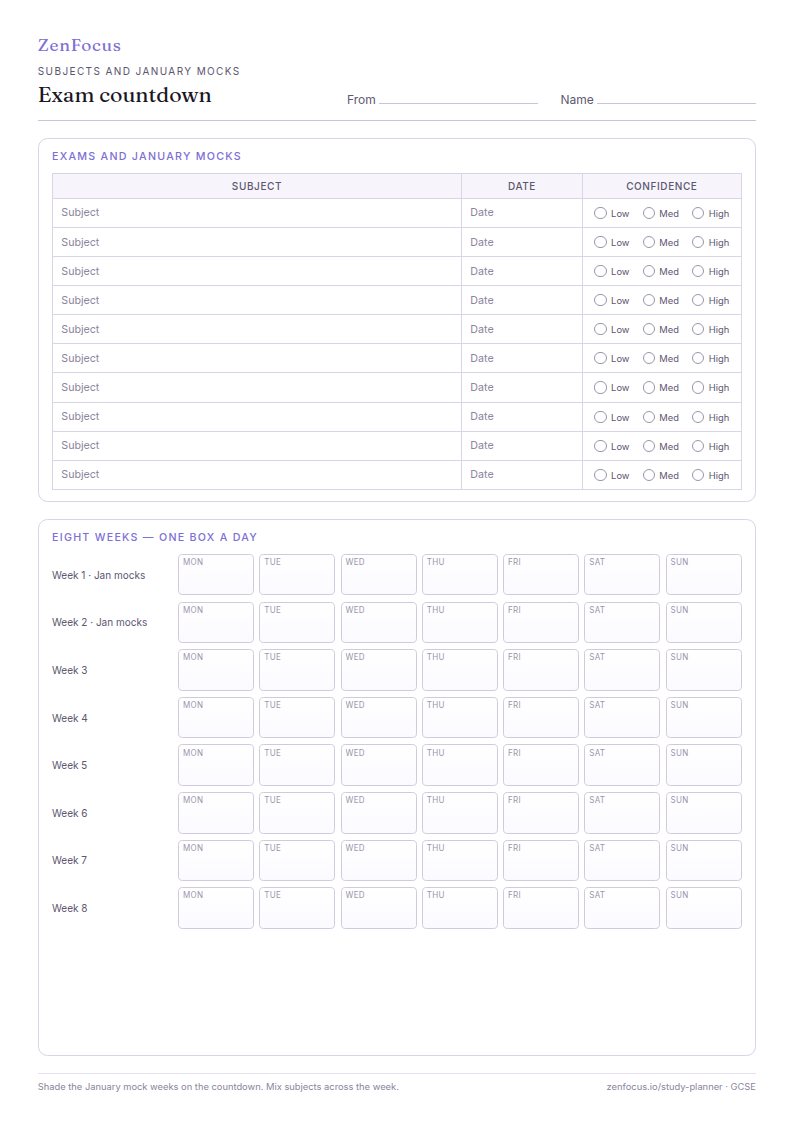
Ten subject rows and space to mark January mock weeks on the countdown. Use it as a GCSE revision timetable you fill in by hand.
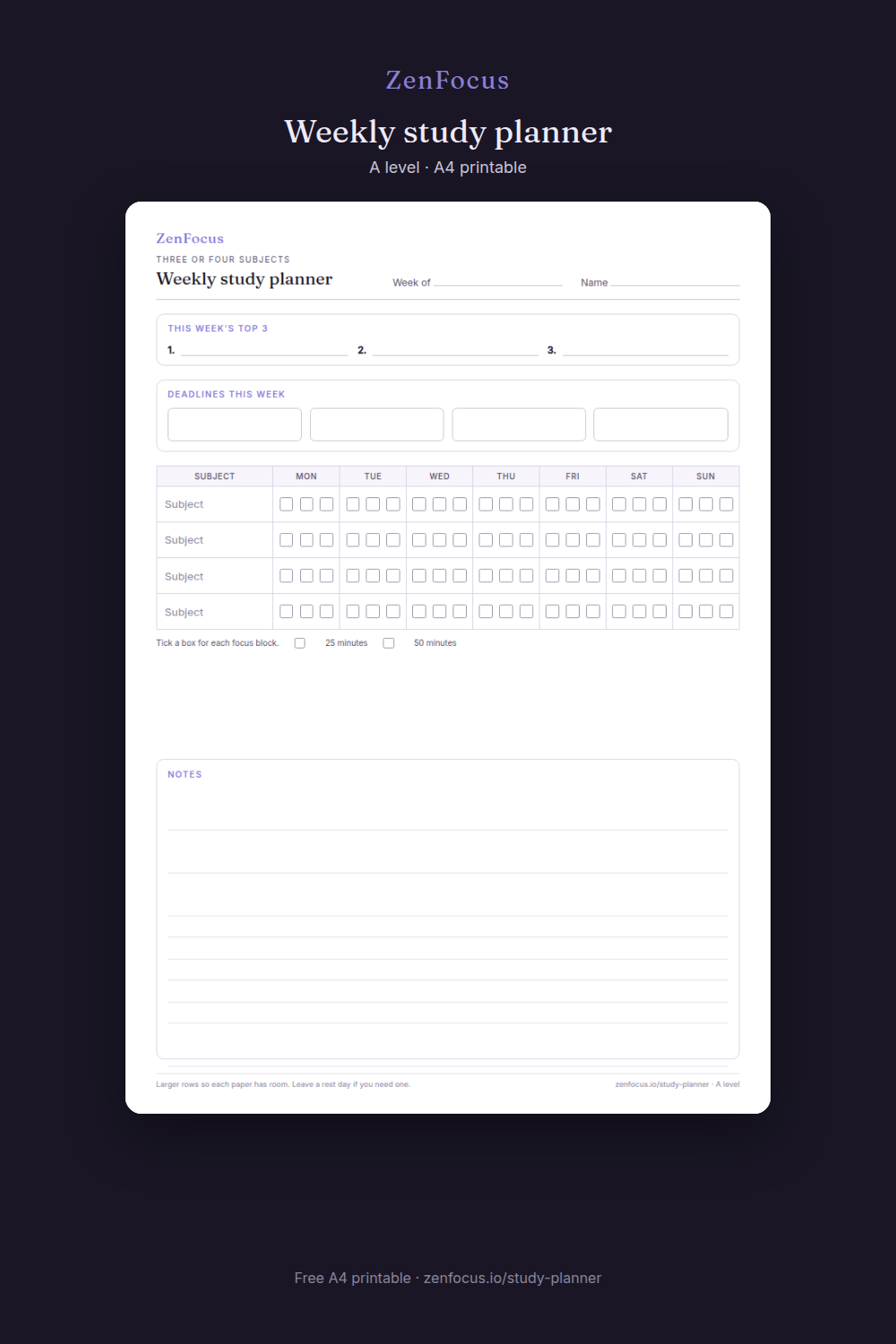
A level study planner
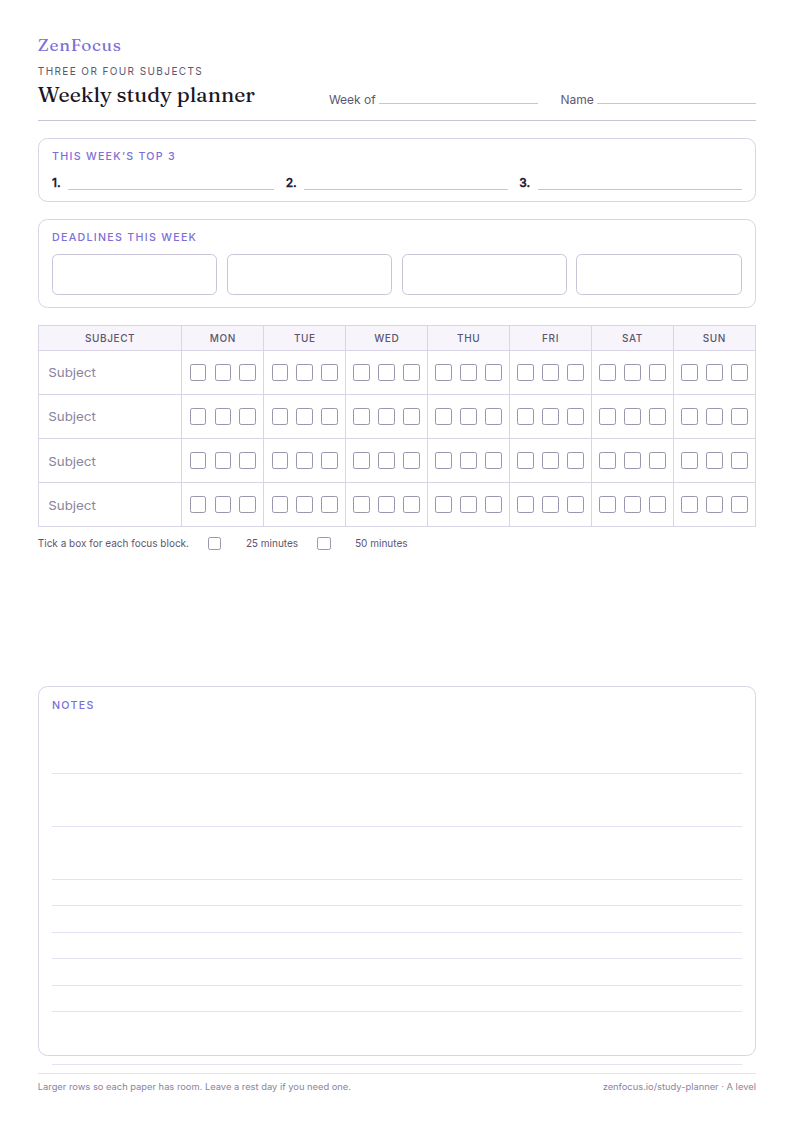
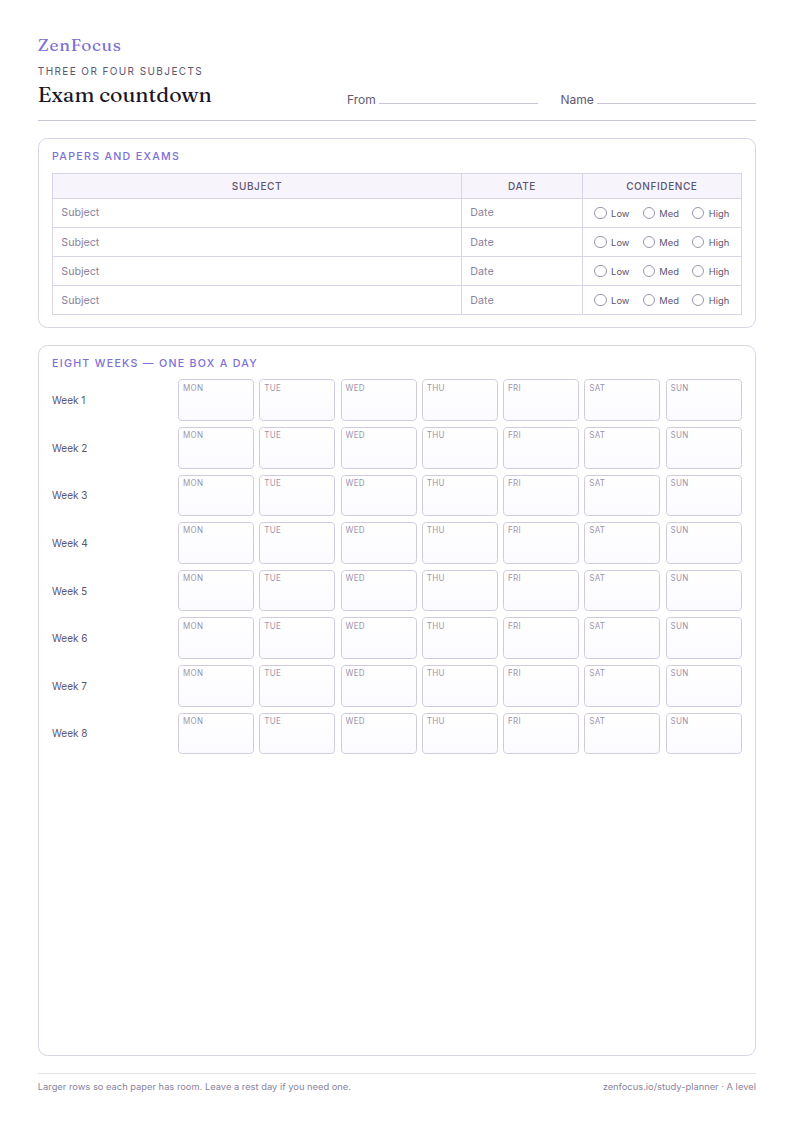
Four larger subject rows, so each paper has room. Useful when you have three or four subjects rather than a long list.
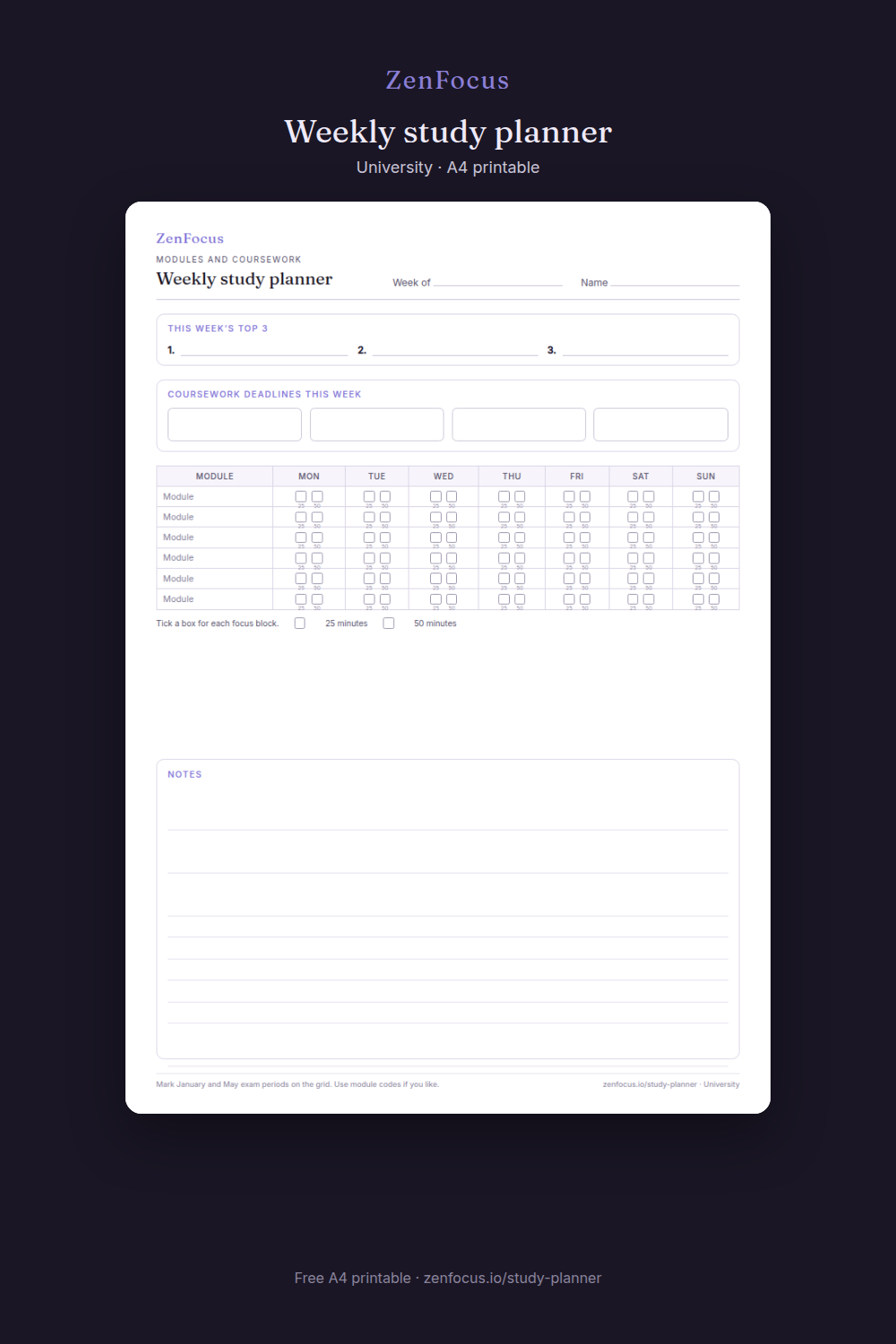
University study planner
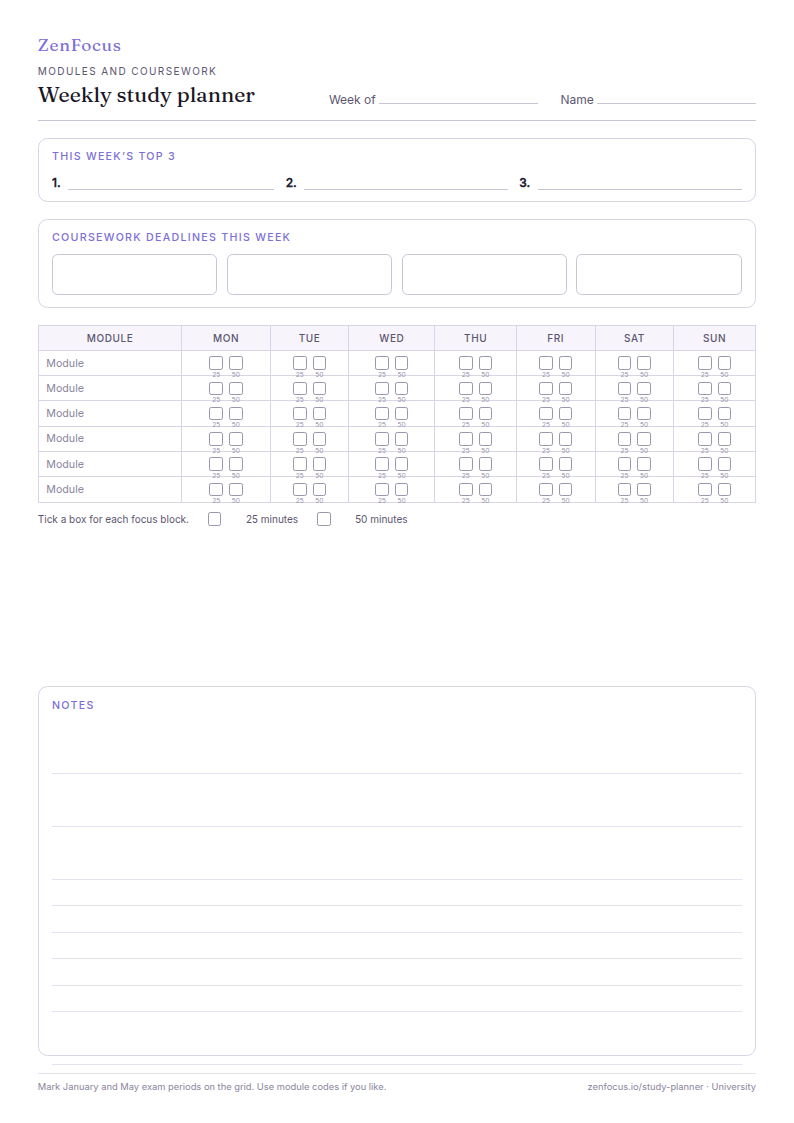
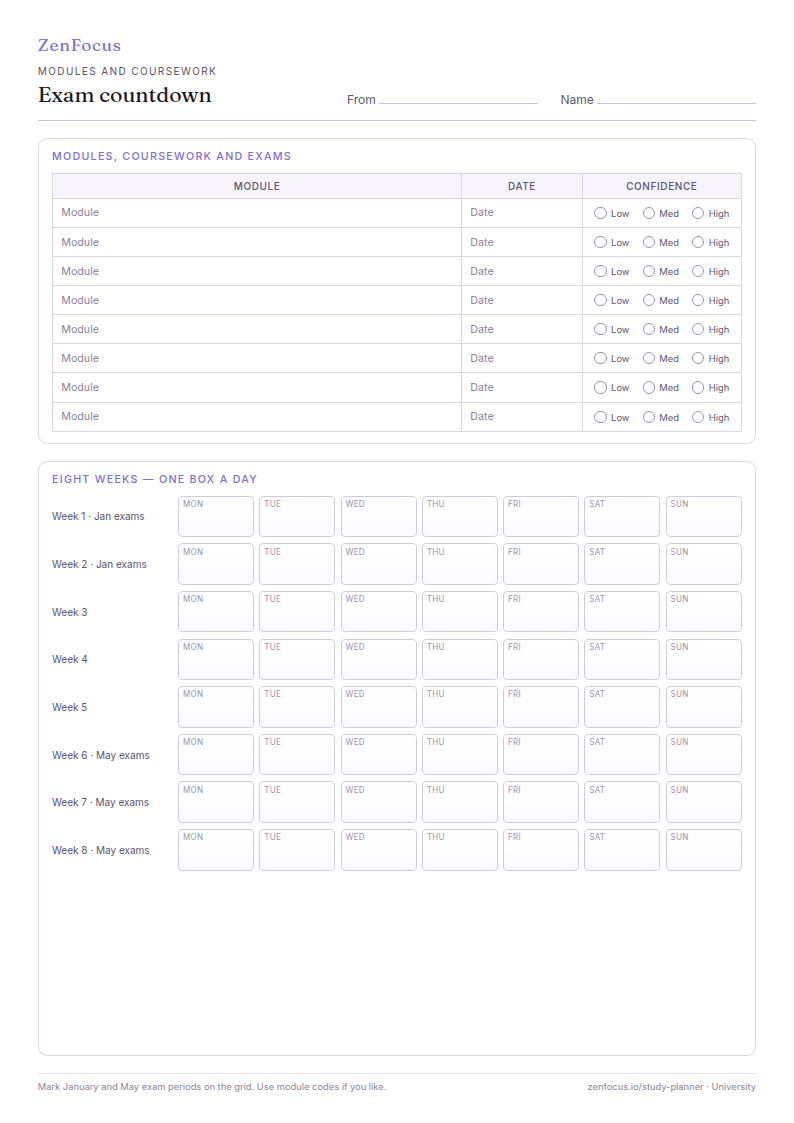
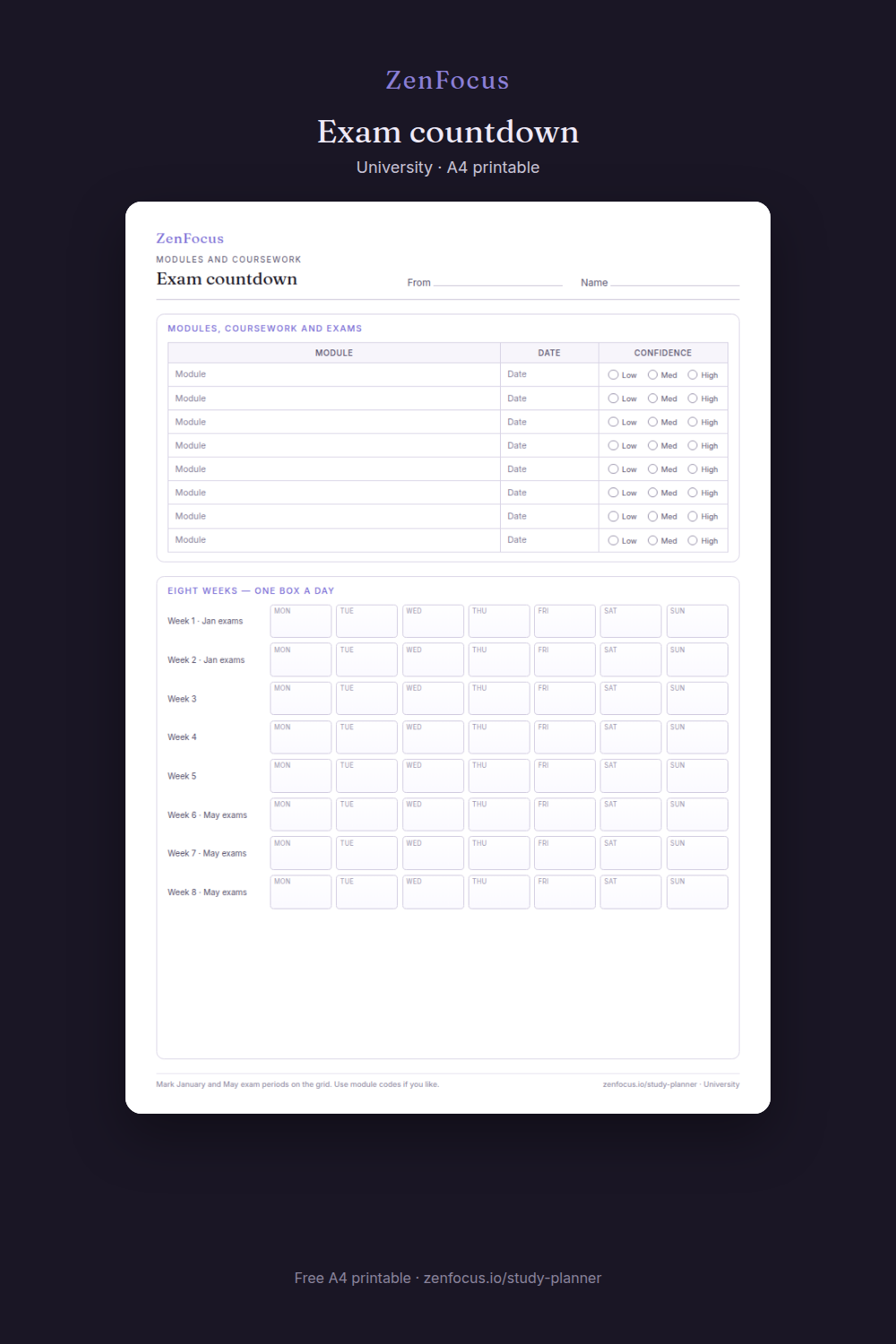
Rows labelled as modules, with coursework deadlines and January and May exam periods marked on the countdown.
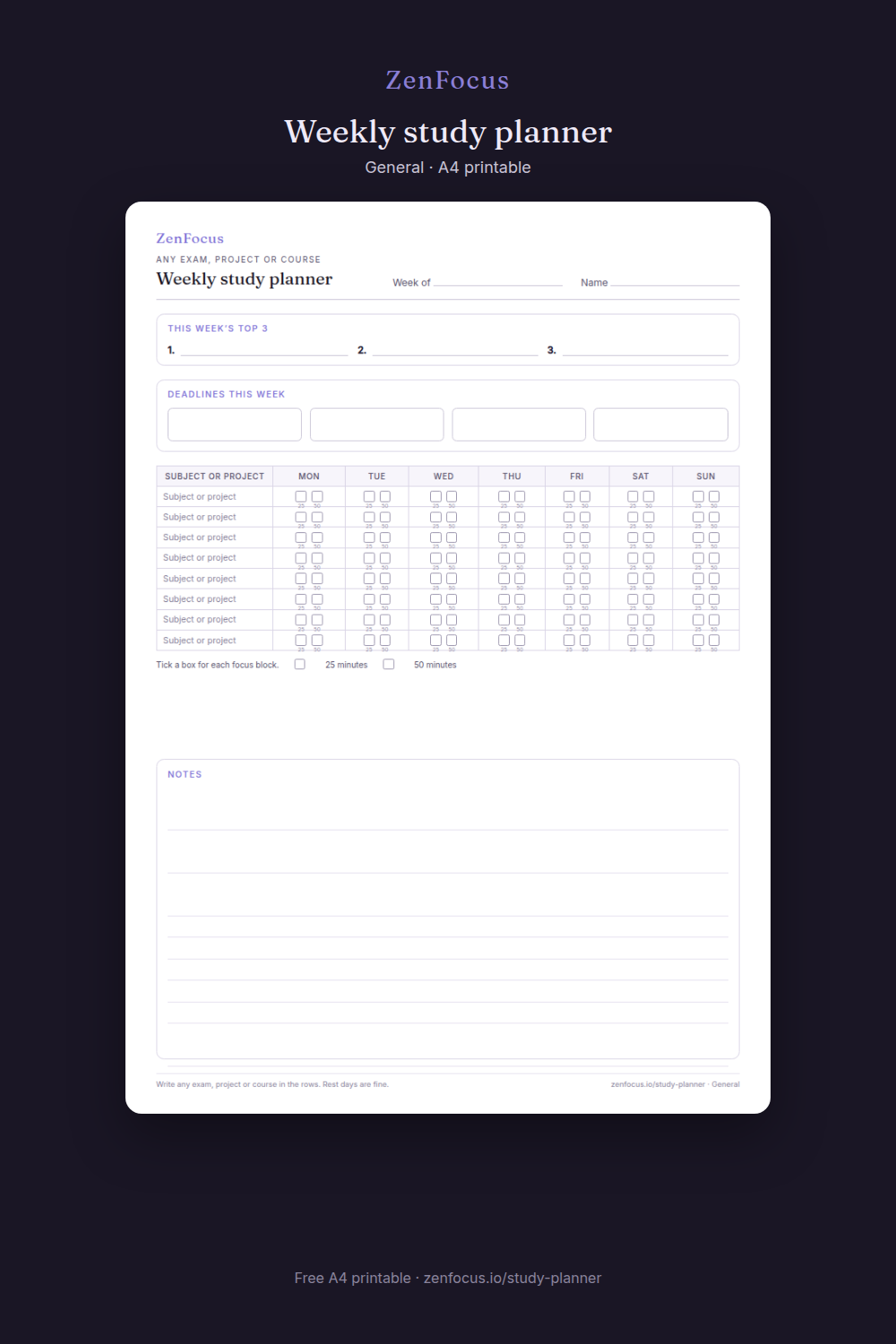
General deadlines
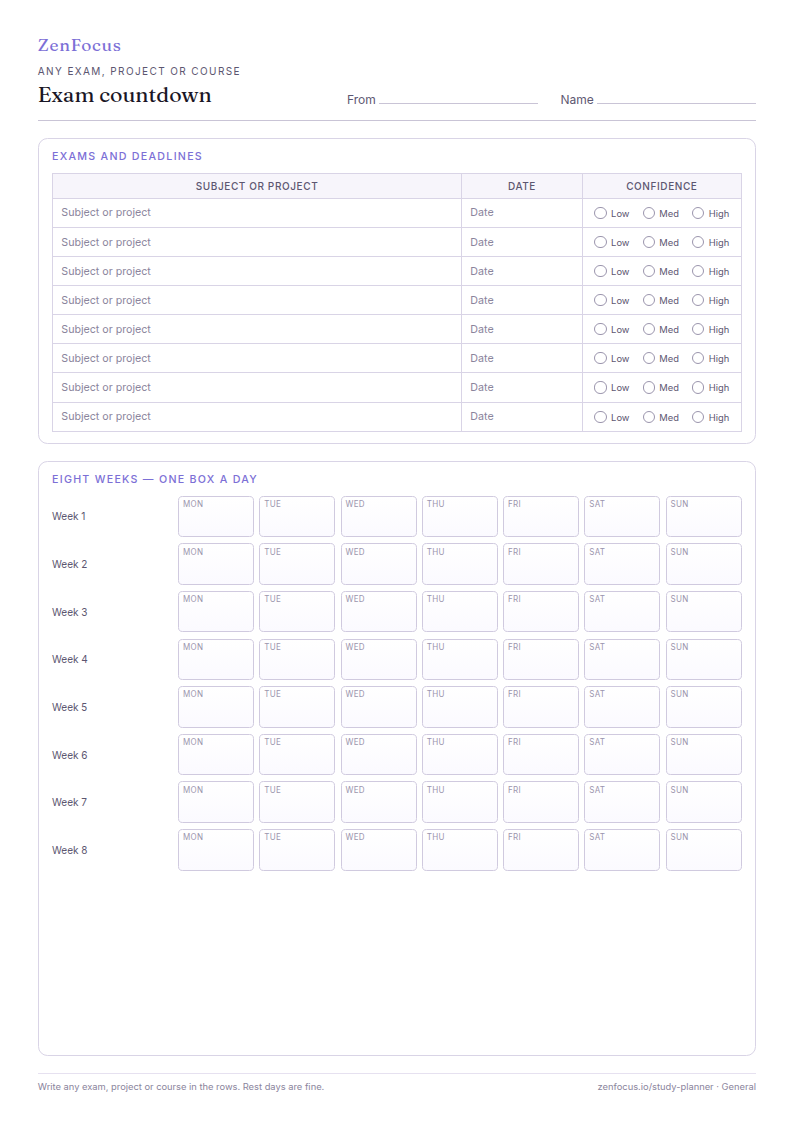
A plain version for any exam, project or course. Use it when the other presets don't fit.
All eight printables
Each file is an A4 portrait PDF. The pictures below are 2:3 so they can be pinned.
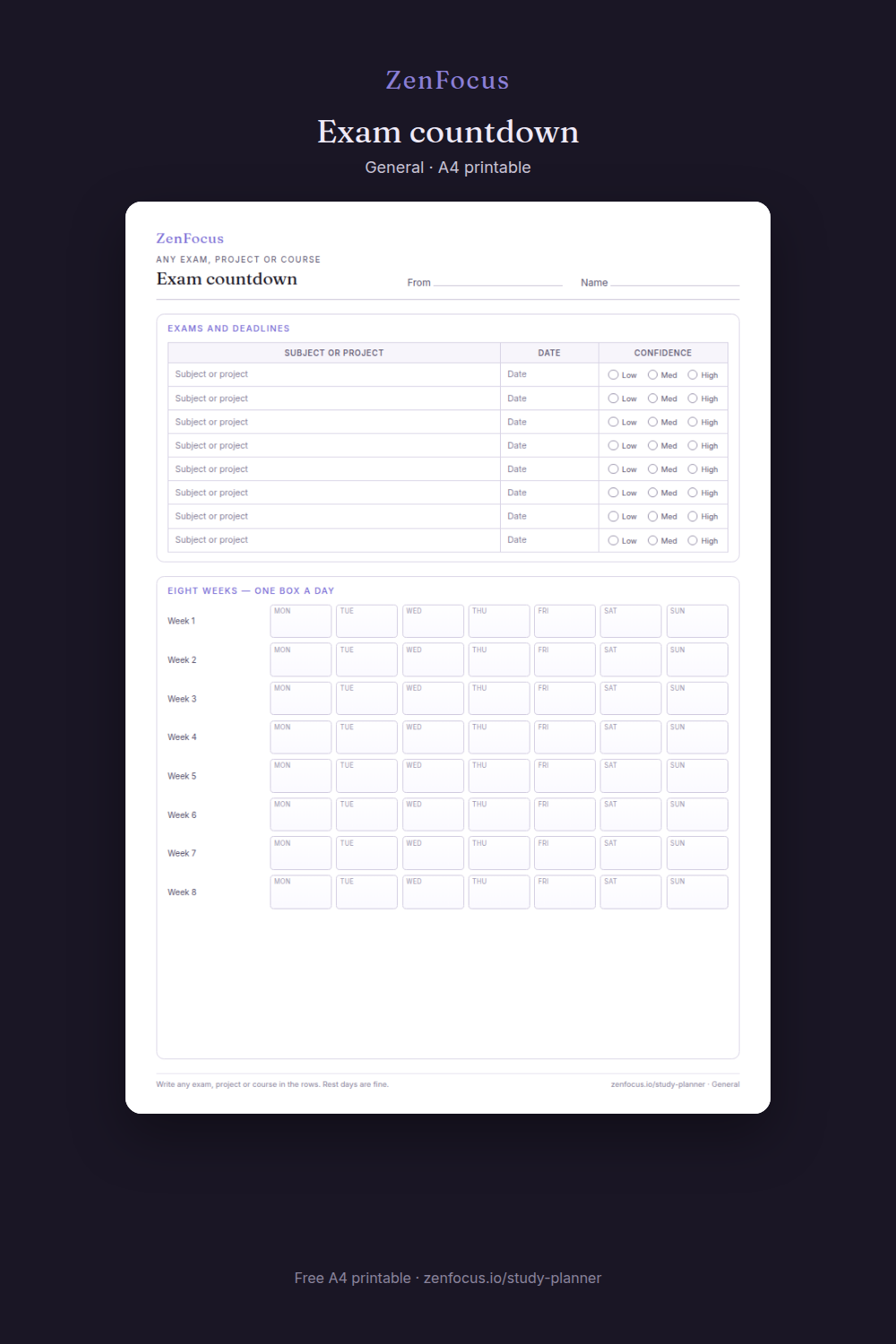
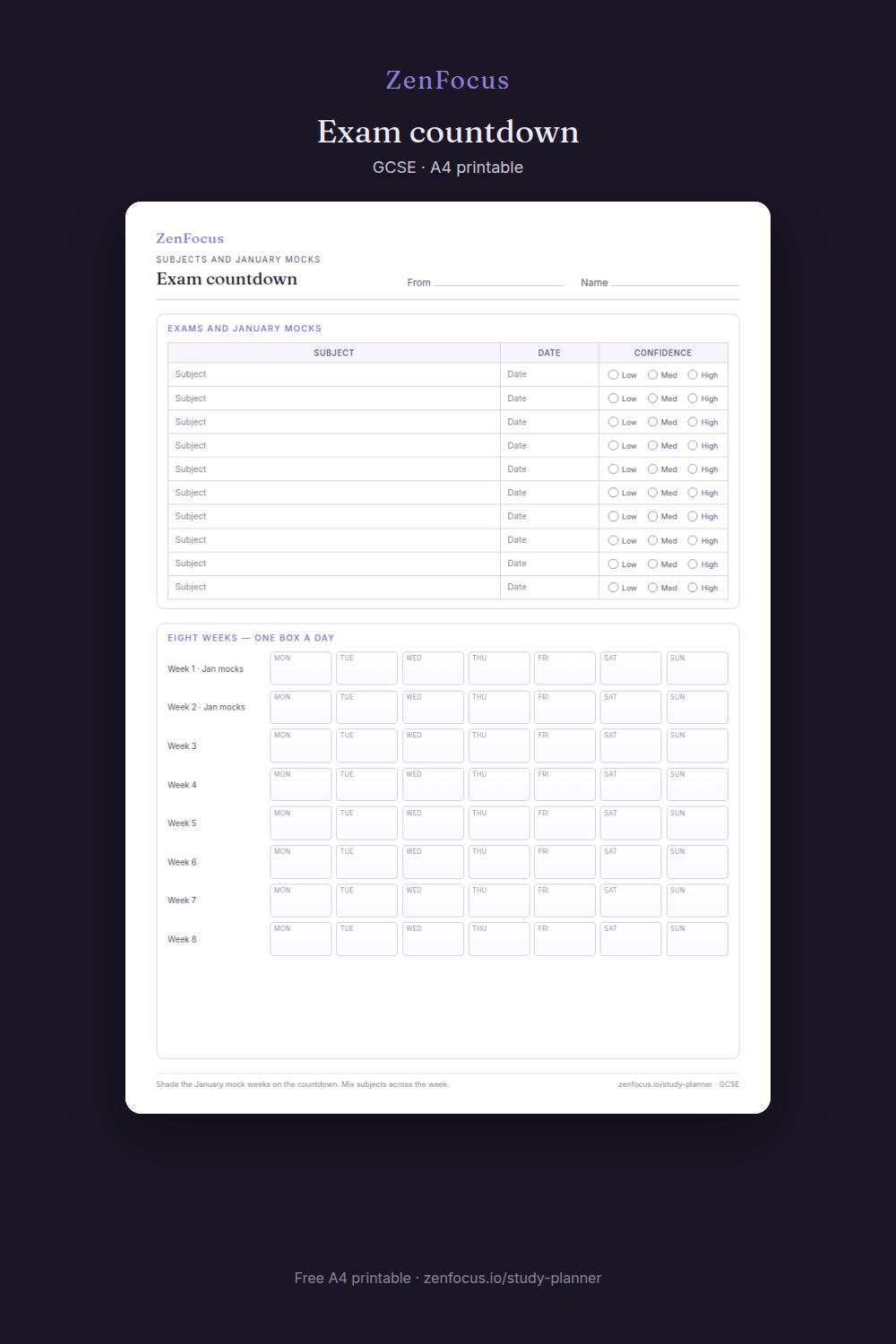
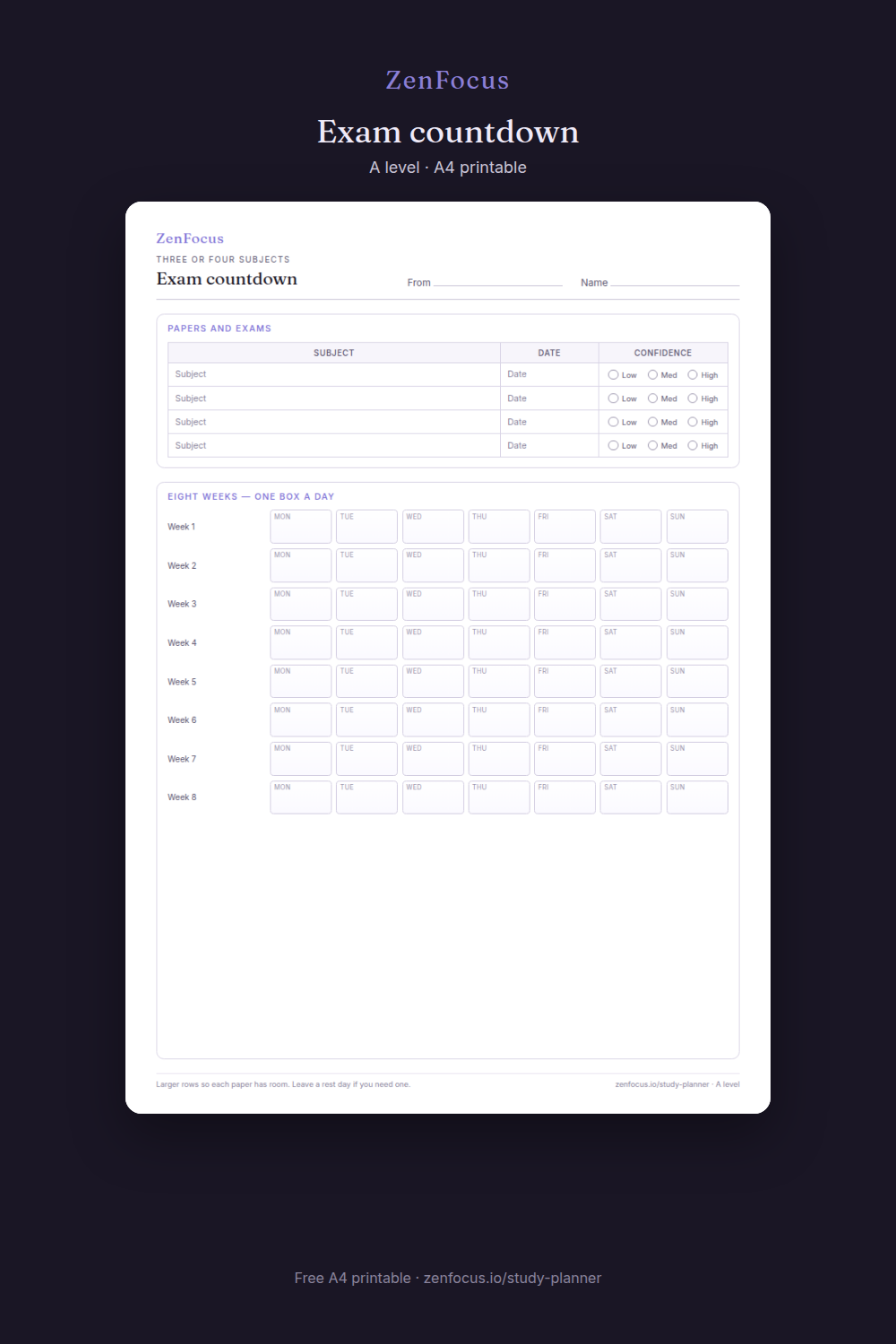
Revision timetable template and study timetable
The weekly sheet works as a revision timetable template: subjects down the side, days across the week, and a box to tick for each 25- or 50-minute block. It also works as a study timetable if you want a paper plan for the week and a separate countdown for the term. Download the same PDFs from the picker above. There's no online generator on this page.
Frequently asked questions
Is this study planner free?
Yes. You can download and print every sheet at no cost. You don't need an account.
Can I print it on A4?
Yes. Each file is an A4 portrait PDF. Print at 100% scale, not “fit to page”, so the boxes stay the right size.
How many hours a day should I study?
There's no single number. Count the 25- or 50-minute blocks you can actually do, and leave at least one rest day. The sheet is a plan, not a target you have to hit.
How do I make a revision timetable?
List your exams on the countdown sheet, note how ready you feel, then fill the weekly sheet with the weakest and soonest subjects first. Tick a box for each block you finish.
Does it work for university?
Yes. Choose the university preset. Rows are labelled as modules, with space for coursework deadlines and January and May exam periods.
Can I use it on a tablet?
Yes, you can open the PDF in a notes app and write on it. It's designed for printing, though, and isn't a fillable form.
Do I need to create an account?
No. Download or print the PDF. This page doesn't save anything in your browser.
What is the difference between the weekly planner and the exam countdown?
The weekly planner is one week of focus blocks. The exam countdown lists up to ten exams or deadlines and gives you a box for each day over eight weeks.